Seeker dApps
SignShell Secure Terminal
Access remote terminals with Solana
by Steven Mathers
On a Seeker this opens the app in the dApp Store. Install it on your Seeker: open the dApp Store and search for “SignShell Secure Terminal”.

About
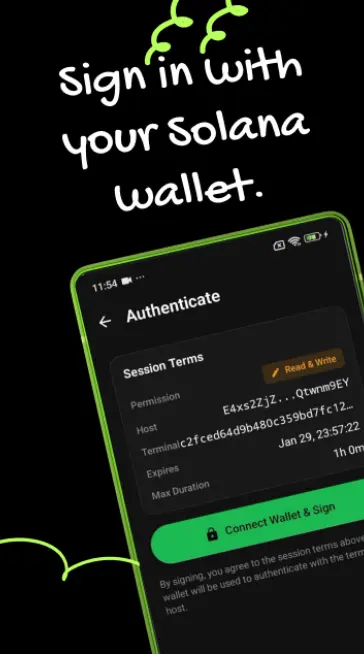
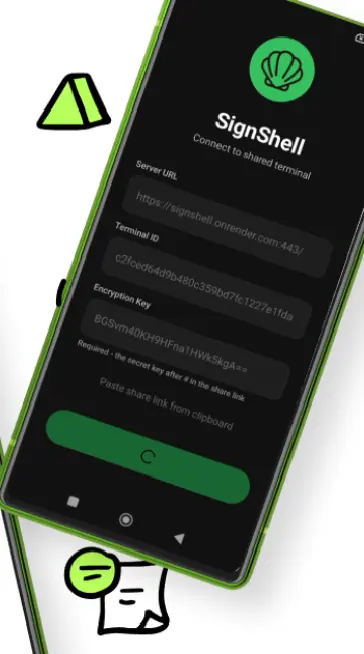
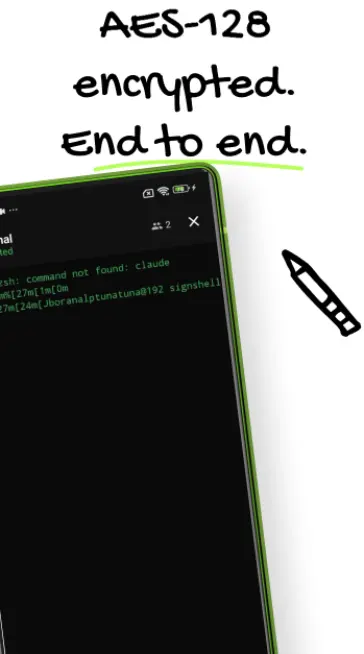
SignShell turns your phone into a secure terminal client. Connect to remote servers using Solana wallet authentication—no passwords needed. All commands and output are end-to-end encrypted with AES-128-GCM. Perfect for developers, sysadmins, and anyone who needs secure remote access on the go. Simply scan a share link from the terminal host, sign with Phantom or Solflare, and start running commands instantly.
What’s new in 1.0.3
Version 1.0.3 - Release Notes New Features: • Added in-app "How it works" guide for new users Bug Fixes: • Fixed app crash on startup • Fixed connection error (Class cast exception) • Updated infrastructure for escrow support • Improved signature verification system Technical Improvements: • Updated ProGuard optimization • Improved Retrofit and Gson compatibility • General performance improvements