Huddle01
web3 video meetings on the go.
by HUDDLE01
Install it on your Seeker: open the dApp Store and search for “Huddle01”.
About
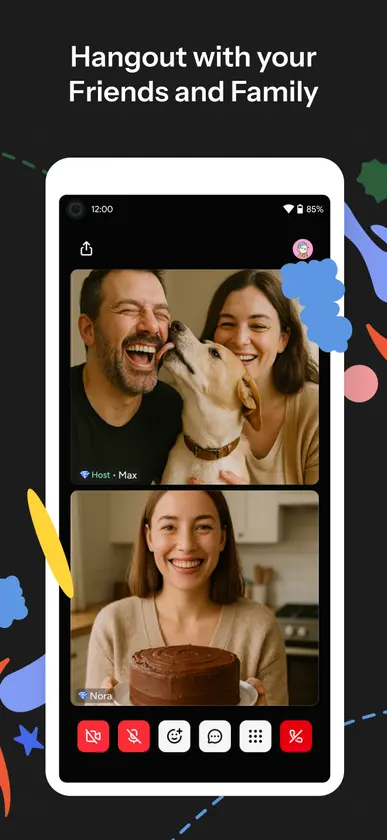
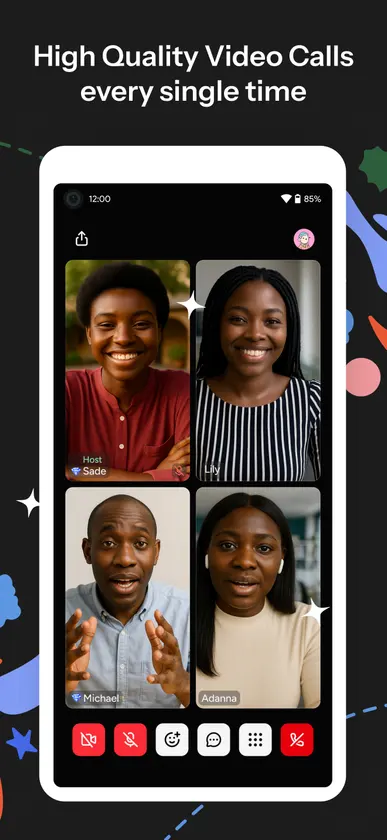
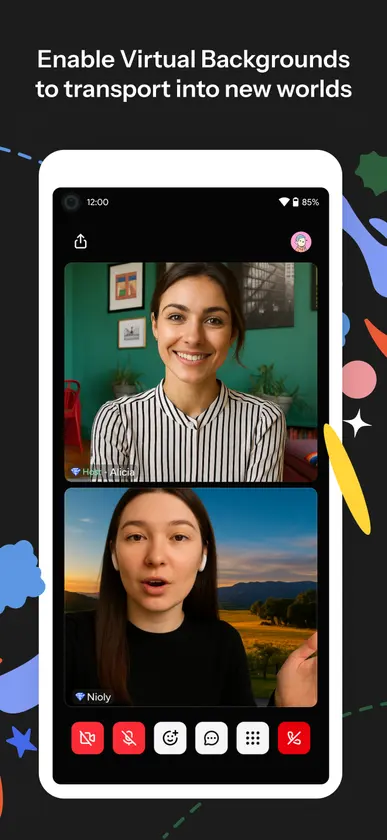
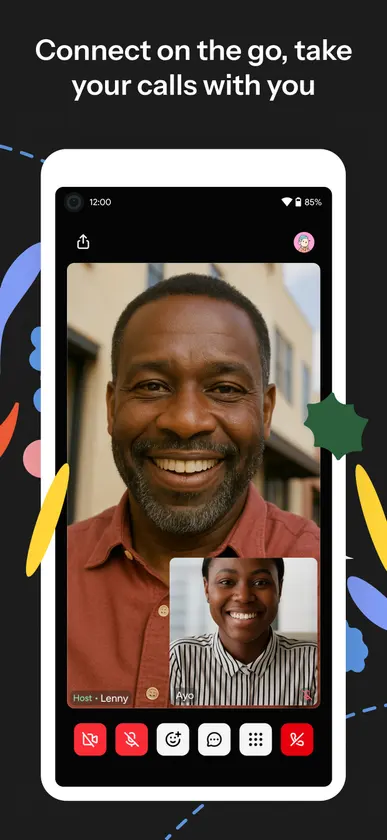
Huddle01 Meet makes your video meetings and audio calls more secure and efficient. Hang out with your friends, host a meeting, start an audio chat, or host a conference from your phone. Huddle01 Meet elevates your meeting experience by providing high-quality video calls and audio spaces. Whether it's a video call between two or a thousand, or an audio space with 10k peers, never let the numbers pause your conversations. Use virtual backgrounds* and avatars in your video conferences and transport to places right from your seat. Make your meetings more fun with reactions and don’t forget to make some noise by using the soundboard. Chats on meetings don’t have to be boring, send GIFs in the chat and share a laugh with your family and friends. With Huddle01's GSuite integration, you can schedule your meetings through your Gmail or Google Calendar. No more copy-pasting links. Just click the links from the calendar and join instantly with the Huddle01 video calling app. Want to present something? Whether it's an audio or video meeting, you can quickly and easily share your screen to showcase photos, videos, and presentations. The high-quality screen sharing makes co-working and collaboration easy. Record your important meetings* to revisit for insights or share with your colleagues or friends. Start your streaming journey with Huddle01, stream to multiple platforms** like X, LinkedIn, YouTube, Twitch, or using any custom RTMP connection. No setup, and no other app installations are necessary to begin streaming. Whatever your device is, we are ready to get you on your next Huddle! *Meeting Recordings and Virtual Backgrounds are only available on desktop devices. **A livestream can only be started using desktop devices.
What’s new in 8.15
We’ve upgraded the mobile app to make your meetings smoother, more interactive, and more fun. Here’s what’s new: - Fresh new UI for a cleaner look and better overall experience - Soundboard to add reactions and personality to your meetings - GIF support in chat so you can express yourself better - Clear visual cues for hand raise and screen sharing - Picture-in-Picture mode to keep your meeting view even when you switch apps - Improved host controls for smoother moderation