Seeker dApps
Seeker Quiet
Lower media volume below Seeker’s minimum.
by Loïc Dlugosz
Open in dApp Store
On a Seeker this opens the app in the dApp Store. Install it on your Seeker: open the dApp Store and search for “Seeker Quiet”.


About
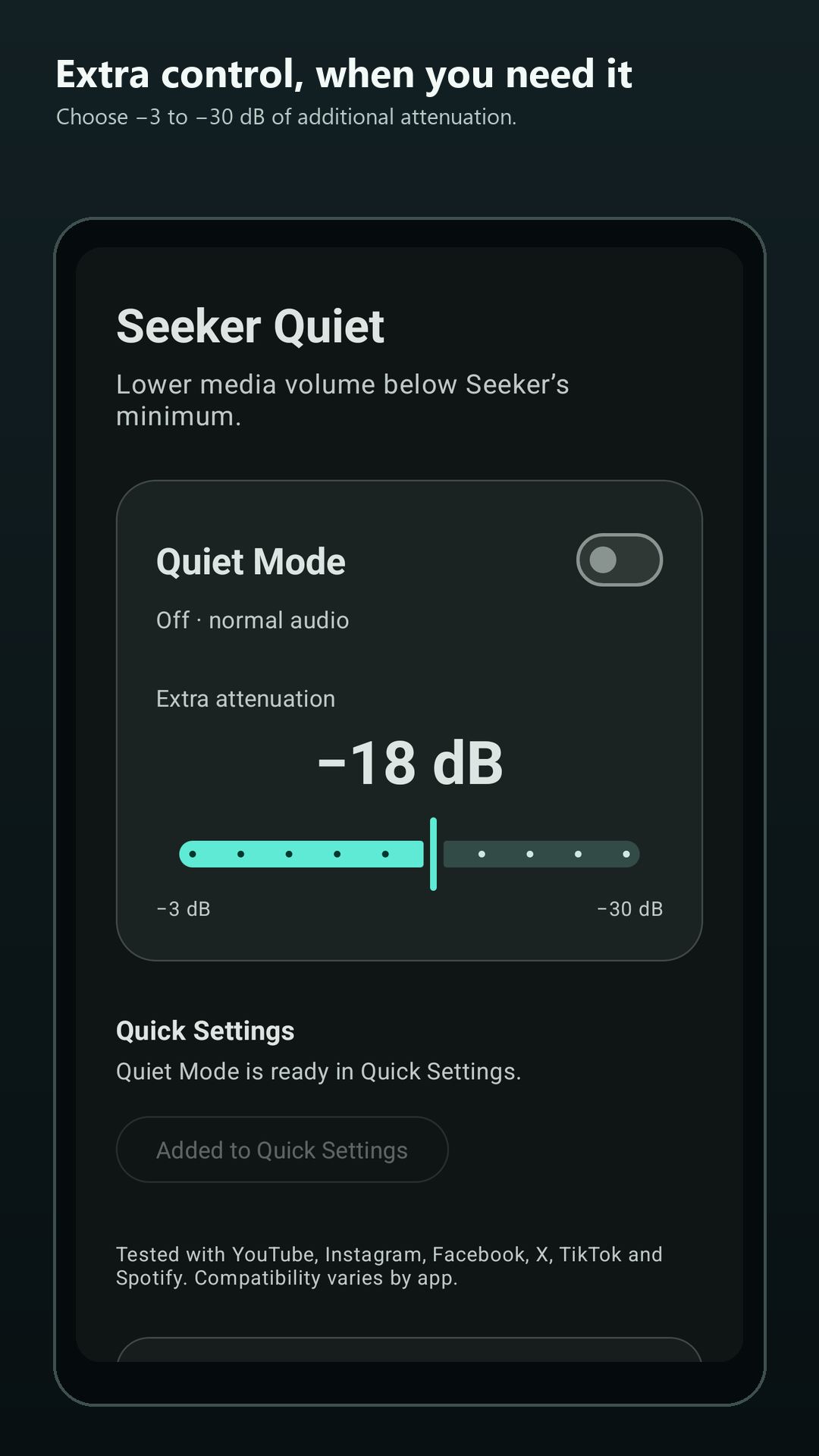
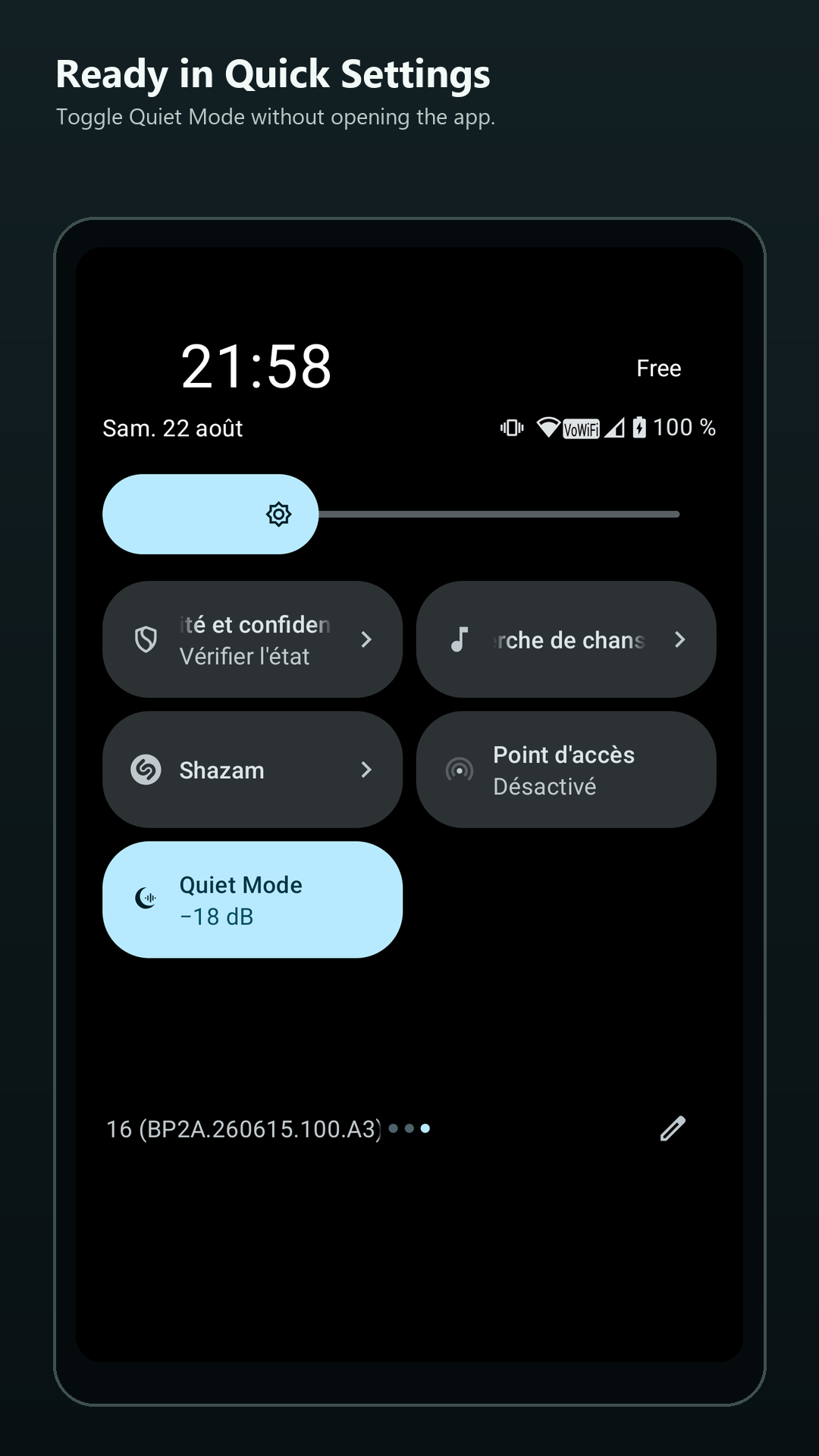
Seeker Quiet adds extra attenuation below the Solana Seeker’s first Android media-volume step. Enable Quiet Mode from the app or Quick Settings, then choose −3 dB to −30 dB of additional attenuation. Validated with YouTube, Instagram, Facebook, X, TikTok and Spotify; compatibility varies by app. Free, ad-free and without analytics. Optional SOL, USDC and SKR tips are sent through a compatible Solana wallet.
What’s new in 1.2
Added Simplified & Traditional Chinese. 新增简体中文支持。 新增繁體中文支援。